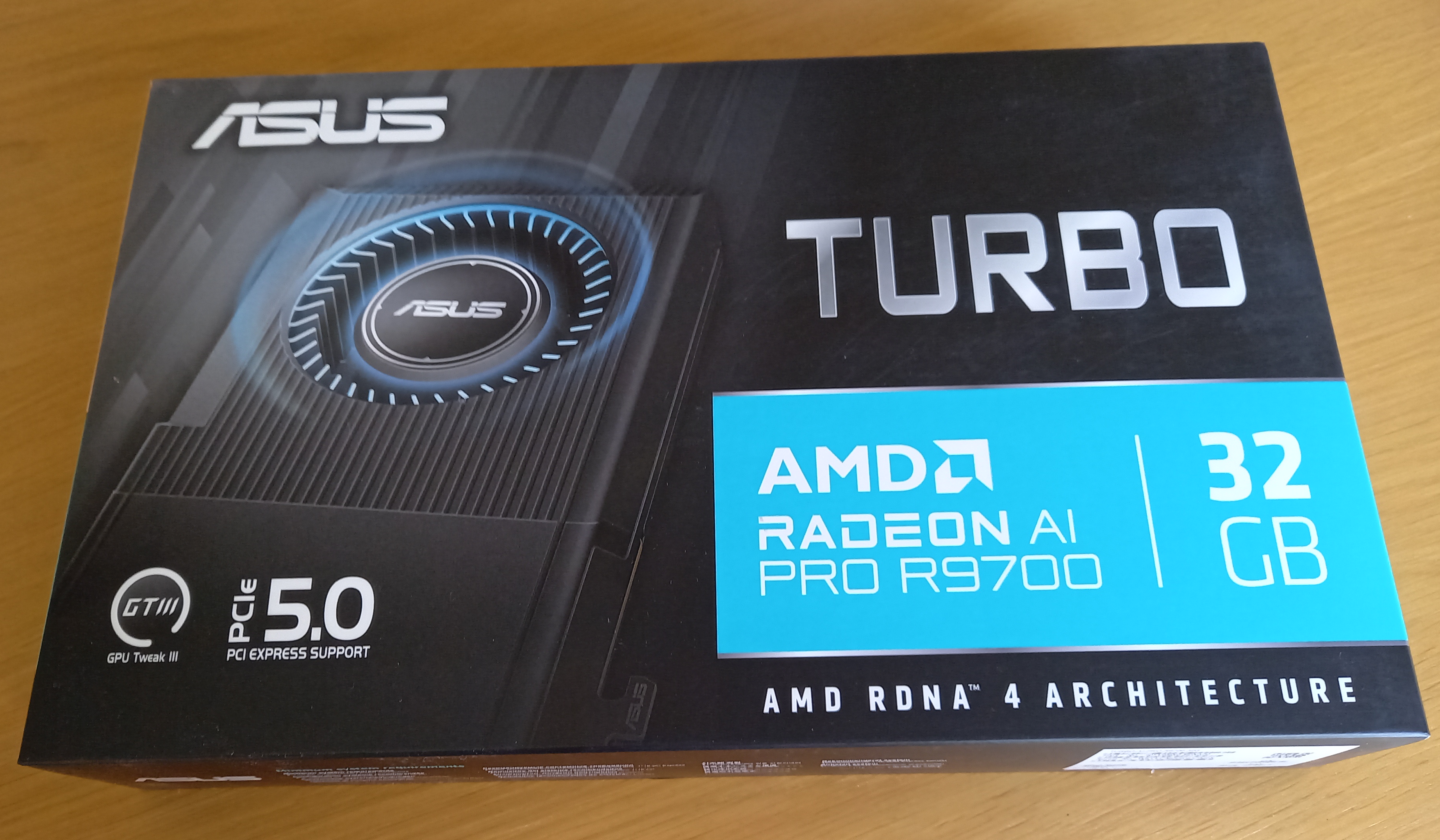
The Asus Turbo AI R9700 Pro on Linux
Background
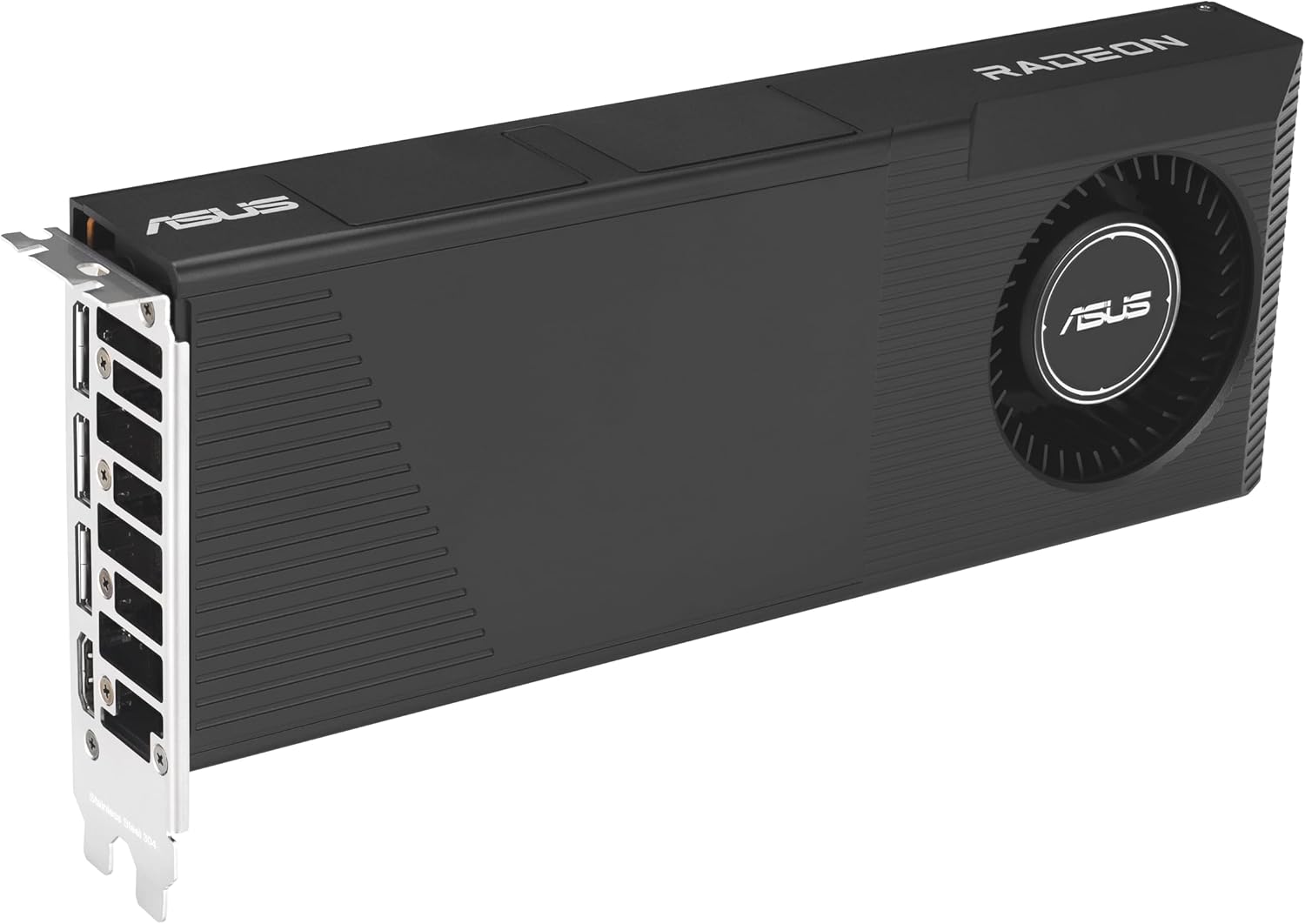
The increased price of RAM since 2025 has led to the rise in cost of many computer hardware components including graphics cards (GPUs) that rely heavily on VRAM for performance in both AI workloads and gaming. The R9700 Pro is a professional level GPU designed for use specifically for local AI inference, large language model (LLM) development, and content creation (i.e. 3D rendering).
Released in 2025, the R9700 Pro is built on AMD’s RDNA 4 architecture and features 32GB of GDDR6 VRAM, which allows it to handle large models that exceed the capacity of standard 16GB consumer cards. These cards have a blower style fan design where one radial fan pulls air from inside the PC case and forces it horizontally through a heatsink, exhausting the hot air directly out of the rear bracket. These can be quite noisy at full load but are low profile so you can fit 2-4 in a large enough case.
Linux support and the vBIOS issue
AMD provide open source drivers for Linux for their Radeon GPUs. This is the amdgpu kernel driver, included in the mainline Linux kernel. After release, the R9700 shipped with a vBIOS using SMU (System Management Unit) interface version 50, while current stable AMDGPU drivers. This caused a serious problem of fans not spinnng under load. It also caused high idle fan speeds of 30% (about 1500 RPM) which is quite noisy and was very annoying. Using tools like corectrl and LACT you won’t be able to set a fan curve below 30%. Updates to the firmware and Linux kernel 7.0 have fixed these issue as I understand it. However you till have to update the firmware on the card.
AMD doesn’t seem to care however that Linux users will have difficulty. This has to be done with a flash utility. But AMD only provides a Windows installer for that. There is a tool called amdvbflash for Linux but that is out of date. The Techpowerup site provides downloads of the tool but the Linux version is 4.71 compared with the 5.0.874 Windows version.
Flashing the bios
The only solution I found for this was to flash the BIOS in Windows. If you don’t use Windows at all a good option is to boot from a temporary Windows environment using Hirens boot CD. You can write the boot image in Linux to make a bootable USB with WoeUSB.
Copy the AMD firmware update installer (see link below) for the new BIOS onto the USB as well. However I found this didn’t work for me. It’s a zip archive so I extracted the files and ran the enclosed amdvbflash.exe directly (you can also use the one from Techpowerup). Flashing the vbios of a gpu seems to be considered somewhat risky but only in the sense that if done wrong it can theoretically brick the device.
First check the GPU id:
amdvbflash.exe -i
Backup your current firmware to a rom file:
amdvbflash.exe -s 0 backup.rom
Then finally flash the new rom (it’s in the BIOS folder):
amdvbflash.exe -p 0 BIOS\path_to_file.rom
Once that’s done you can reboot and remove the usb, then go back to Linux.
Control the fan curve in LACT
LACT allows you to set fan curves for your GPU on a Linux system. Once you have fixed the firmware the curve can be set down to 12% which is barely audible above the other PC noise at idle. The interface is straightforward and users should choose their own curve based on the amount of noise and throttling that may be acceptable.